SUBTITLES FOR
TIKTOK
— FOR FREE

Upload your TikTok clip, AI transcribes speech and burns karaoke captions right into the video. Every word highlights as it's spoken. Download the ready MP4 — post immediately.

ADD SUBTITLES

MP4 or MOV, up to 3 minutes, no watermarks

REC [00:15]TIKTOK_01
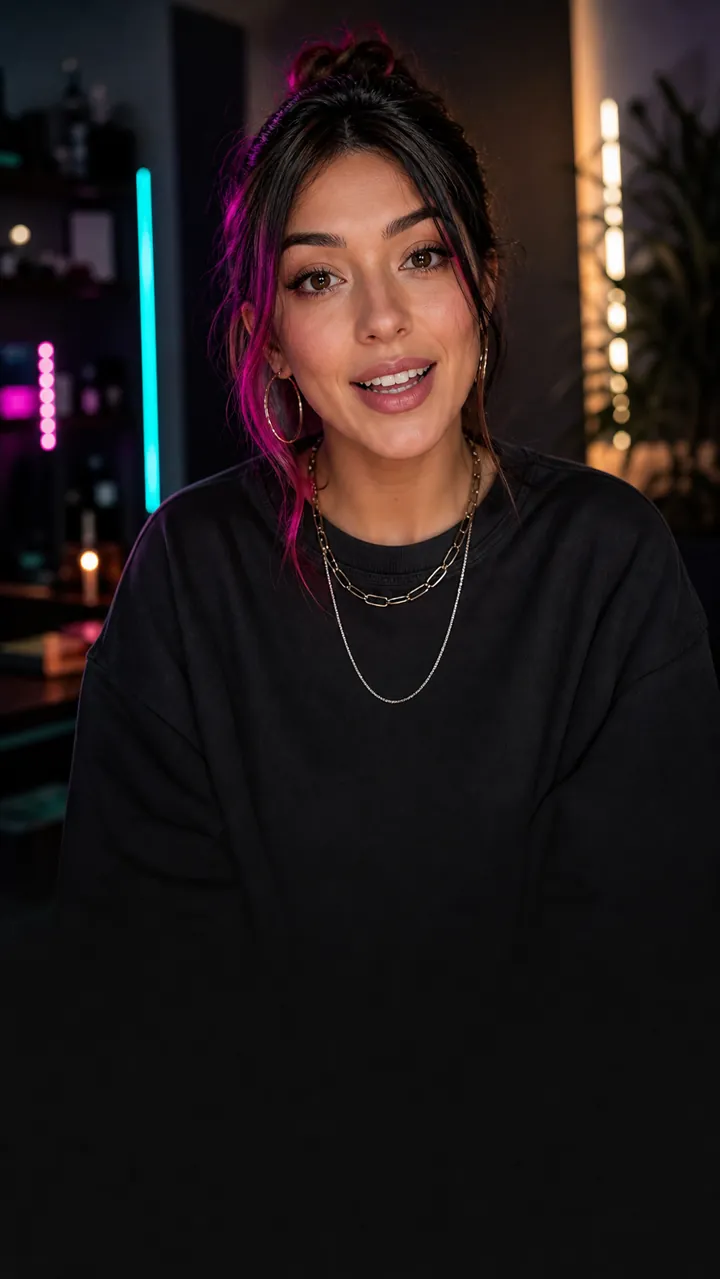
Reelsub — karaoke captions for short-form video

TIKTOKWITHCAPTIONS

=MOREREACH

Word-by-word karaoke highlight
Six styles

WHY ADD SUBTITLES TO TIKTOK

MORE REACH

80% of users watch TikTok on mute. Subtitles retain those scrolling in silence — the algorithm sees watch time and pushes the video further.

HIGHER RETENTION

The karaoke effect guides the eye word by word — viewers stay focused and watch to the end. That's a direct signal to TikTok's algorithm.

ACCESSIBILITY

Subtitles make content accessible to people with hearing impairments and those watching in noisy places or without headphones.

HOW IT WORKS

01

UPLOAD YOUR VIDEO

Drop an MP4 or MOV into the browser. Up to 3 minutes, up to 200 MB.

02

AI TRANSCRIBES SPEECH

The neural network assigns timings to every single word with millisecond precision.

03

PICK A STYLE

Five presets: from bold Viral Pop to clean Corporate. Customize colors, size, and animation.

04

DOWNLOAD THE RESULT

A ready MP4 with burned-in captions. Upload to TikTok with no extra processing needed.

FAQ

Is it really free?

Yes. 3 videos up to 3 minutes each — free, no watermarks, full quality.

What video format works?

MP4 and MOV, vertical 9:16, up to 200 MB, up to 3 minutes.

What languages are supported?

English and Russian. Transcription runs through a neural network with millisecond accuracy per word.

What are karaoke captions?

Each word highlights exactly when it's spoken. Not a whole line at once, but word by word — like karaoke.

Will there be a watermark?

No. The video downloads without watermarks or service logos.